iCandy
A dark theme for REAPER, made for the sessions that run long. Free.
The Problem
REAPER's stock themes are built to stay legible in any room, which means they are bright. Eight hours into a mix at two in the morning that is a real cost, and the obvious fix — turning the monitor down — takes the waveforms with it.
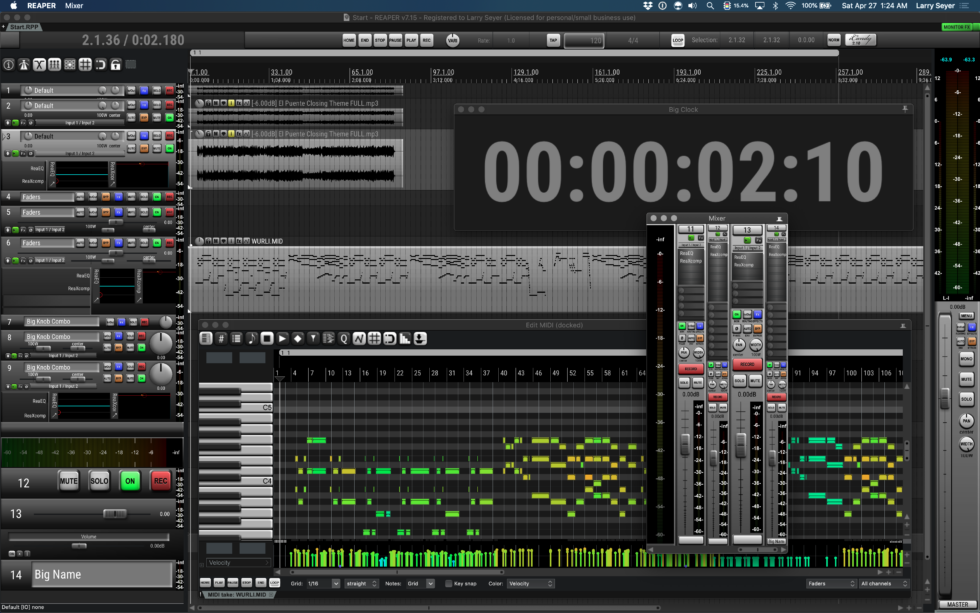
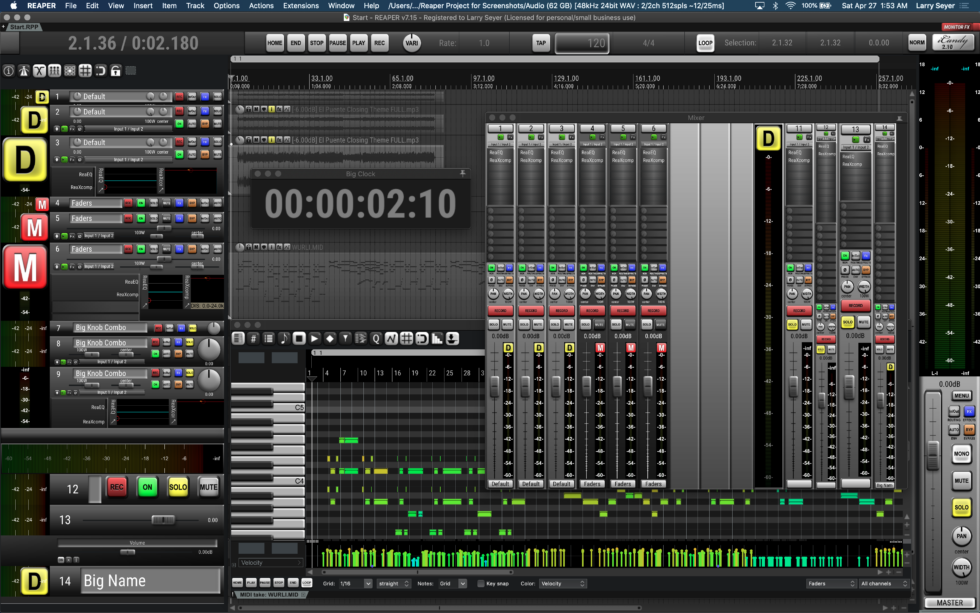
iCandy is the theme I made for my own room. Dark enough to sit in front of all night, with the contrast kept where it matters so you can still read a fader position at a glance.
Key Features
- Dark all the way downNot grey with the brightness pulled off — the whole palette is built for a dim room
- Contrast kept where you need itWaveforms, faders, and labels stay readable; the chrome around them gets out of the way
- Icons drawn for the themeNot recoloured stock art, so nothing in the window looks borrowed from somewhere else
- Everything in one packageTheme, fonts, install guide, and terms in a single download, with a video if you would rather watch it
- Kept currentUpdated as REAPER changes, so a new version does not break the look
Screenshots
Get iCandy
The full installation package is free. It contains the theme, the fonts it uses, an install guide, and the terms of use. The download is around 64 MB.
Download iCandy 2.10 View on GitHub
Read the install guide inside the package before installing, or watch the installation video. Discussion lives on the REAPER forum thread.
Licensing
iCandy is free, for personal use. The included artwork may not be modified, reused, remixed, or redistributed, and may not be shared with a third party. Copyright © 2024 Larry Seyer. Full terms are included in the download.